Notes
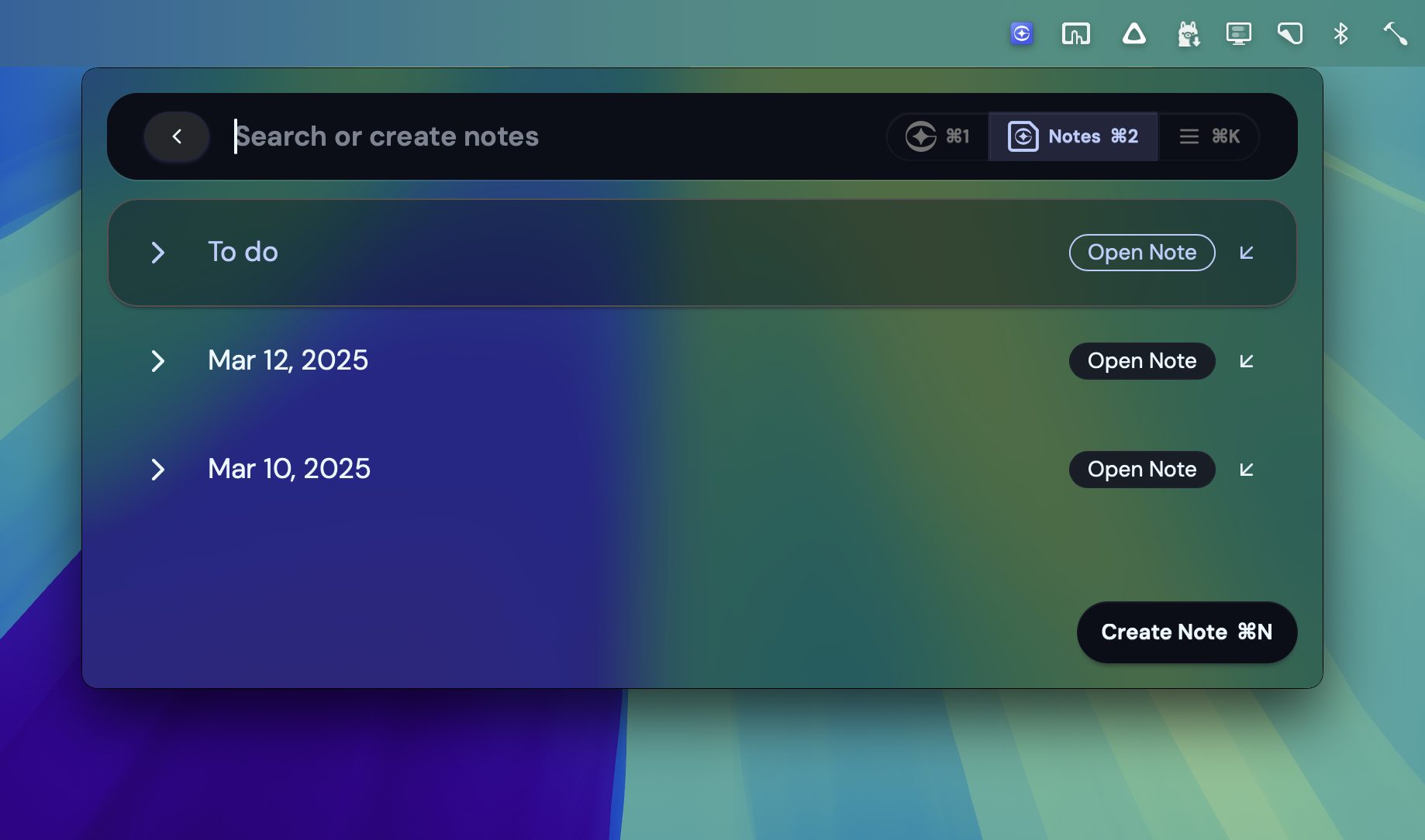
For your convenience, we’ve provided a powerful note taker. In order to switch to notes mode, use the Command+2 shortcut.
To create a new note, simply press Create Note button or Command+N shortcut (works from other modes as well).
Writing notes
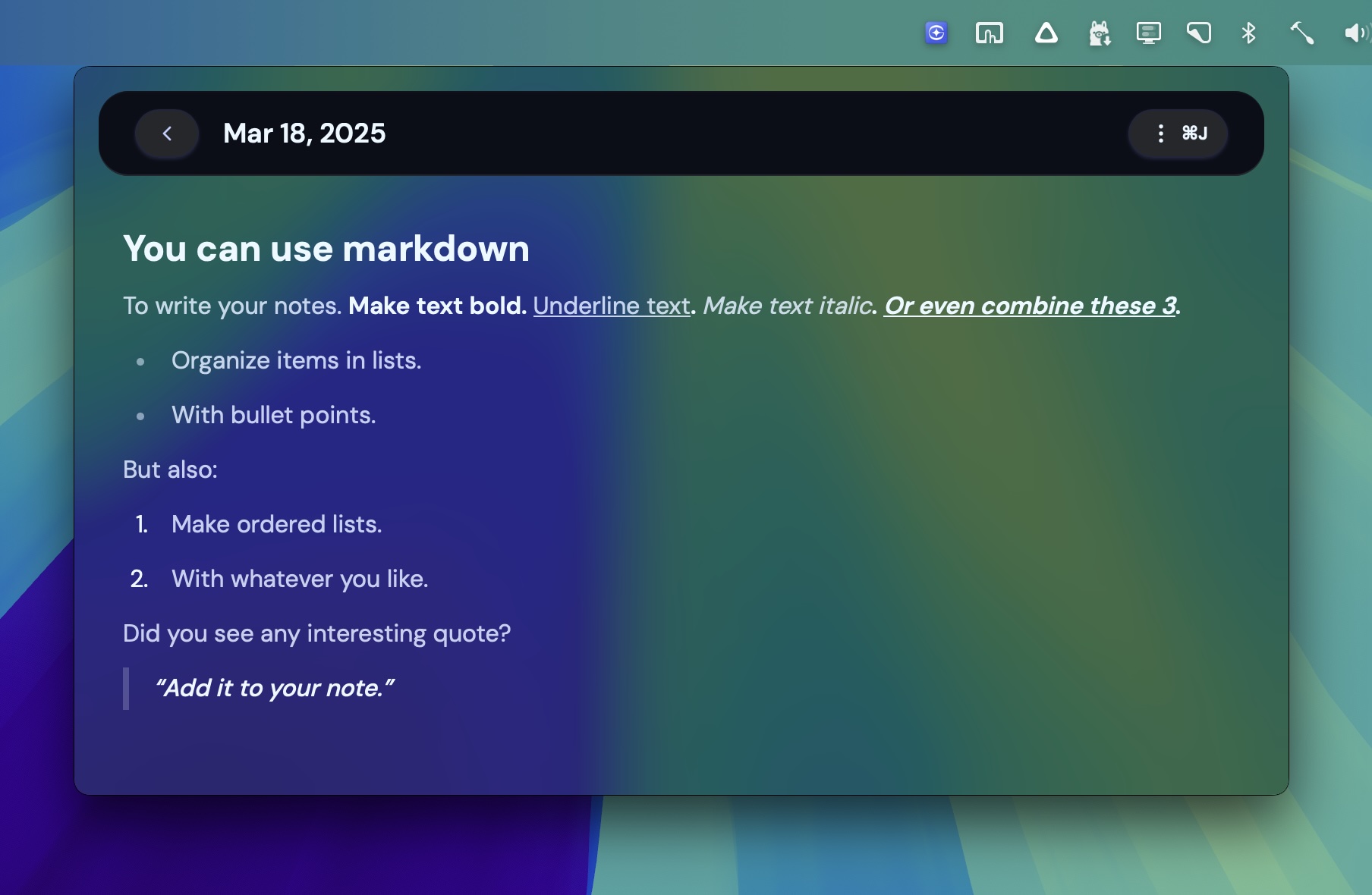
Section titled “Writing notes”You can write your notes using Markdown. Whenever you select portion of text, you’ll see a floating menu with options to apply formatting.
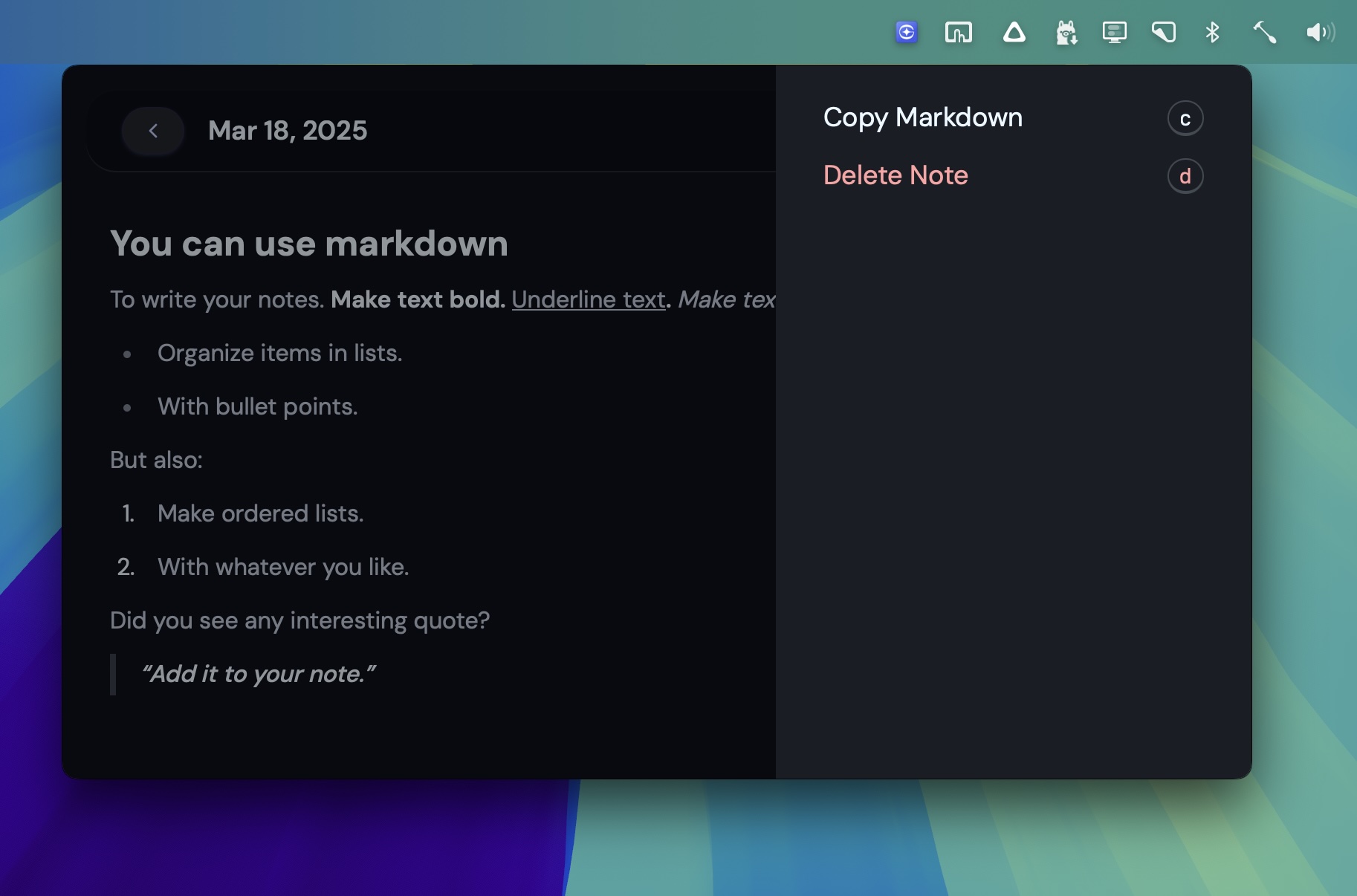
If you want to copy your note in a raw format, or delete it, click the three dots button or Command+. shortcut to reveal the sidebar menu.